Invalid URI - The format of the URI could not be determined
Error message (sample)
{
    "message": "An error occurred while syncing the business objects: Invalid URI: The format of the URI could not be determined.",
    "errors": [
        "An error occurred while syncing the business objects: Invalid URI: The format of the URI could not be determined."
    ],
    "warnings": []
}
Symptoms
- Portal shows an error when attempting to sync or contact the translation layer.
Scope
Typically occurs on new installs of the Customer Hosted Model or when new translation layers are added to an existing installation.
Known instances
Data Model Sync
When the portal user attempts to do a sync of the data model:
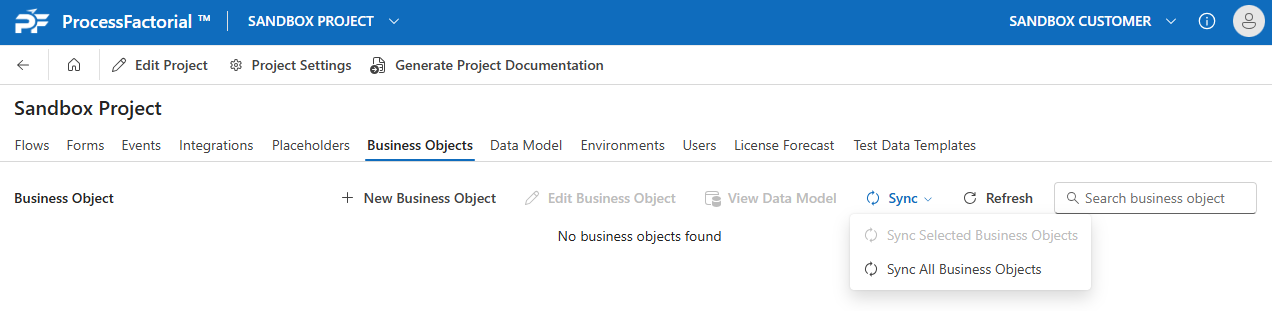
Root cause
The Translation Layer URL has not been configured.
Resolution
Update the URLs on the TechStack table: Configure Translation Layer
Verification checklist
- [ ] Translation layer URL is configured in TechStack
- [ ] Sync succeeds without the Invalid URI error