CRM Connection Details for Dev Environment has not been configured or are invalid
Error message (sample)
Example errors returned by the portal (redacted):
{
    "message": "An error occurred while syncing the business objects: POST to 'URL/api/metadata/tables?loglevel=Error' failed with Unauthorized :: ",
    "errors": [
        "CRM Connection Details for Dev Environment has not been configured. Please set up the connection details before syncing the data model.",
        "An error occurred while syncing the business objects: POST to 'URL/api/metadata/tables?loglevel=Error' failed with Unauthorized :: "
    ]
}
Symptoms
- Portal shows Unauthorized/GET request failed errors when interacting with the translation layer or data store.
Scope
Occurs on both SaaS Model and Customer Hosted Model installations.
Known instances
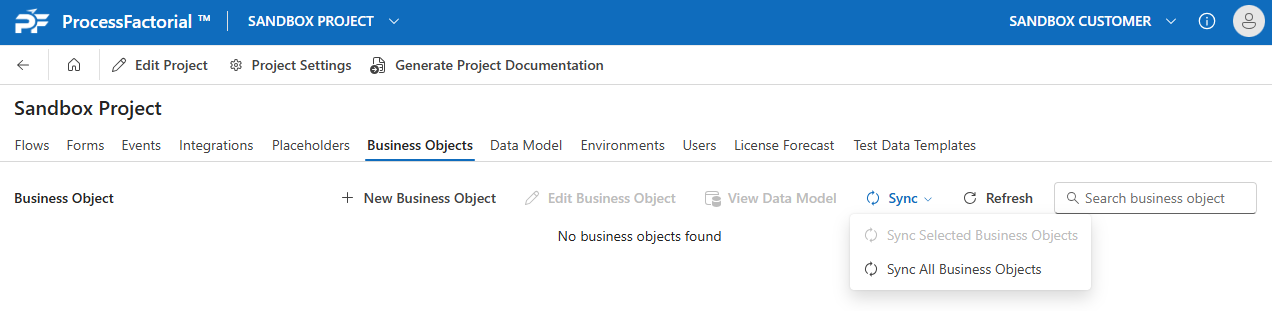
Data Model Sync
When the portal user attempts to do a sync of the data model:
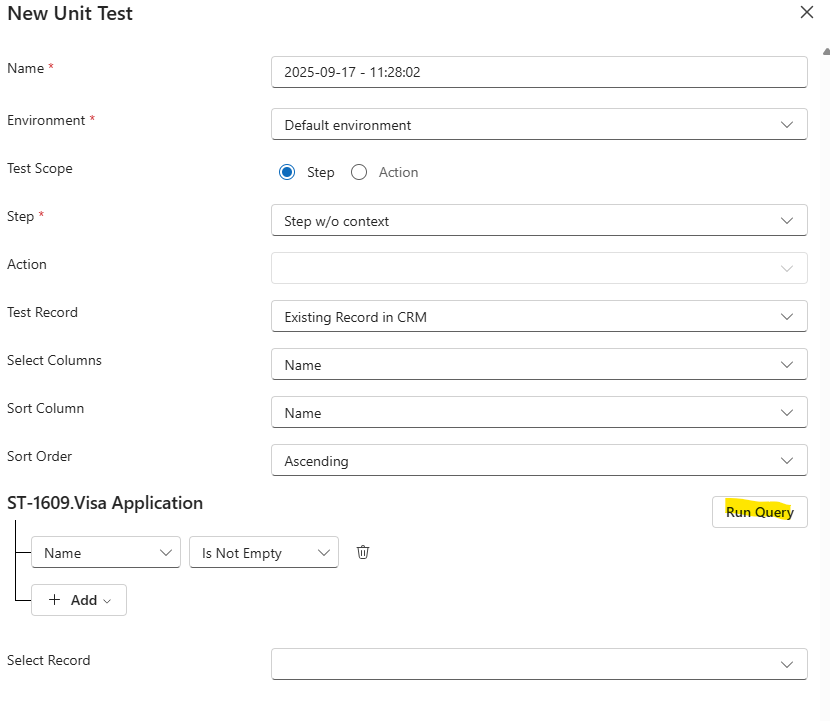
Unit Tests
When the portal user attempts to query for records during a unit test:
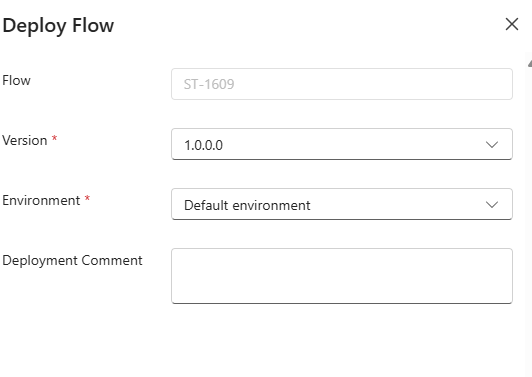
Deployment
When deploying a Factorial Flow to an environment:
Root cause
The function key used to access the translation function is invalid or not configured.
Resolution
Ensure the TechStack record is configured and the Key Vault secret for the function key is valid. See:
Verification checklist
- [ ] TechStack function key present and valid
- [ ] Sync and data queries succeed without Unauthorized errors