Wait for Event
This page outlines how to configure an Flow Action on a Factorial Flow to wait for an event to occur.
An example of this is waiting for sign-off from a designated stakeholder.
Add Wait for Event Action
- Follow the instructions on how to Manage Actions
-
Enter Basic Flow Action Details that is common for all the Flow Action elements.
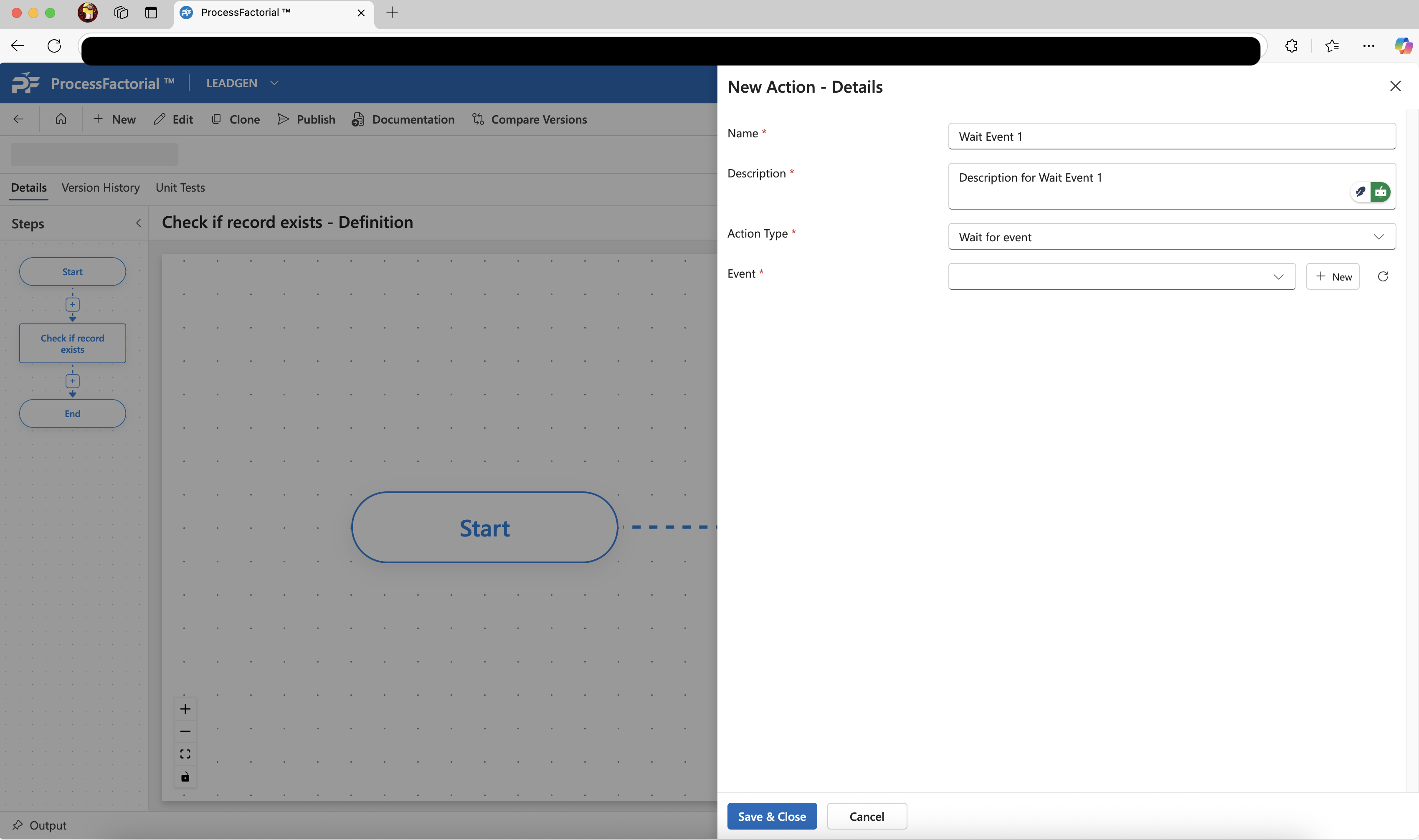
-
Choose an event from the
Eventdropdown if a suitable business event already exists, else click on the+ Newbutton next to it to create a new business event - Click
Save & Closeto save the action.