Link to Action or Condition
This page outlines how to configure an Flow Action on a Factorial Flow to link to an already existing action.
Add Link to Action or Condition
-
On the actions canvas, click on the
+button in the action branch where the link has to be added.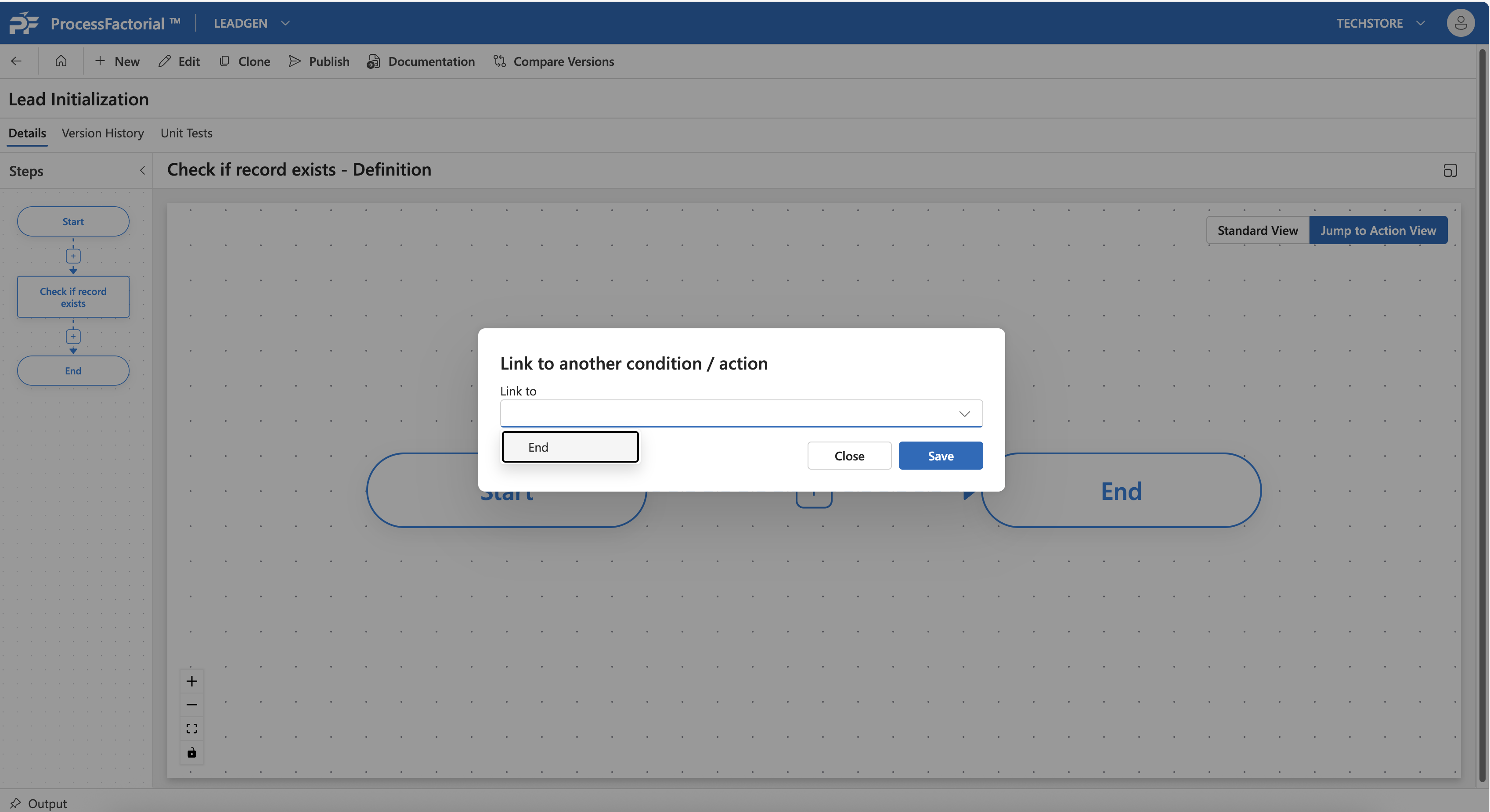
-
In the dialog box that opens up, choose the action or condition to which the link has to be made.
- Click on
Saveto save the link.