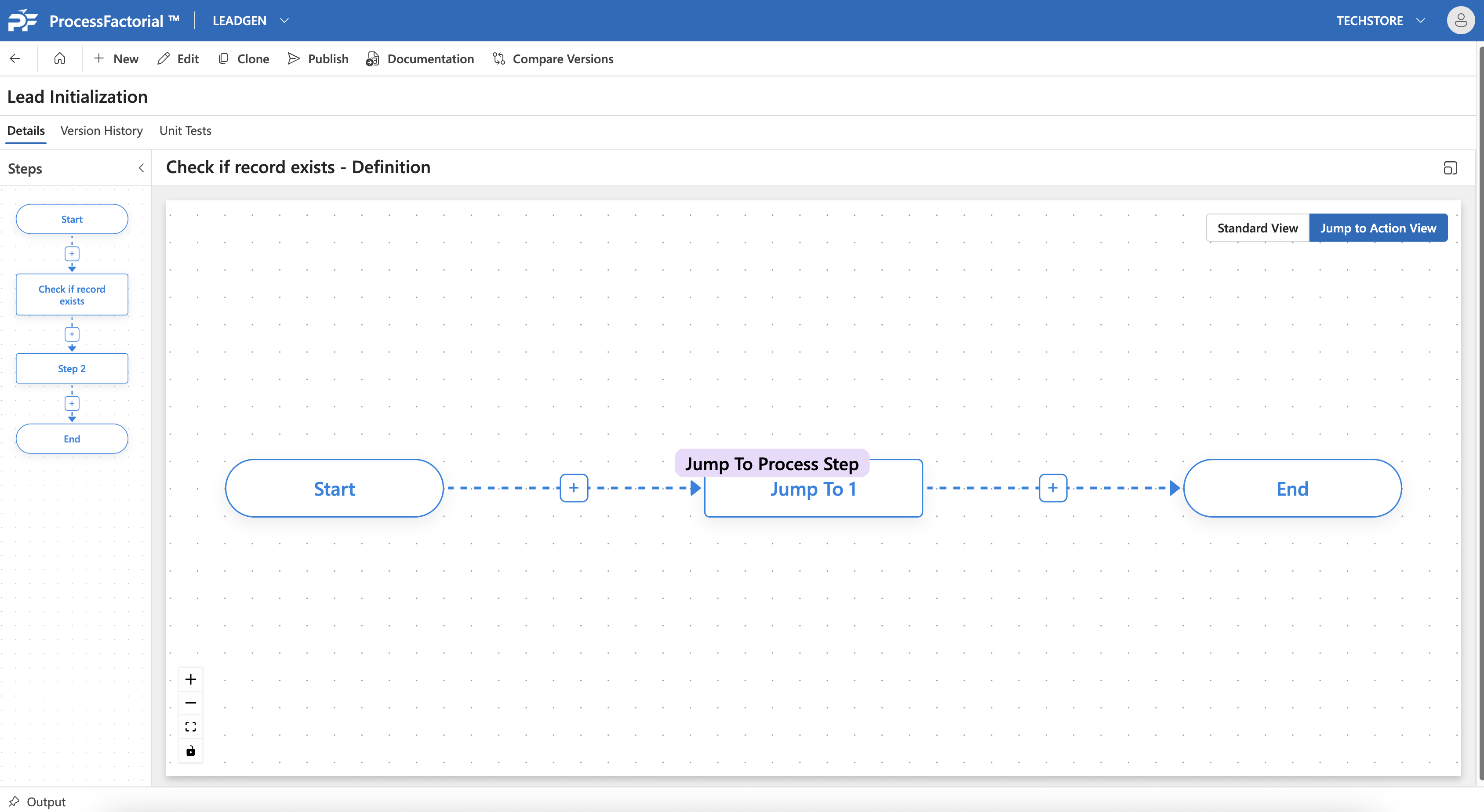
Jump To Step
This page outlines how to configure an Flow Action on a Factorial Flow to break out of an action branch and move to an existing step.
An example of this is skipping an action that checks for 'Vehicle Type' attribute if 'Vehicle ownership' attribute is specified as 'None', and moving to the next step in sequence.
Add Jump To Step Action
- Follow the instructions on how to Manage Actions
-
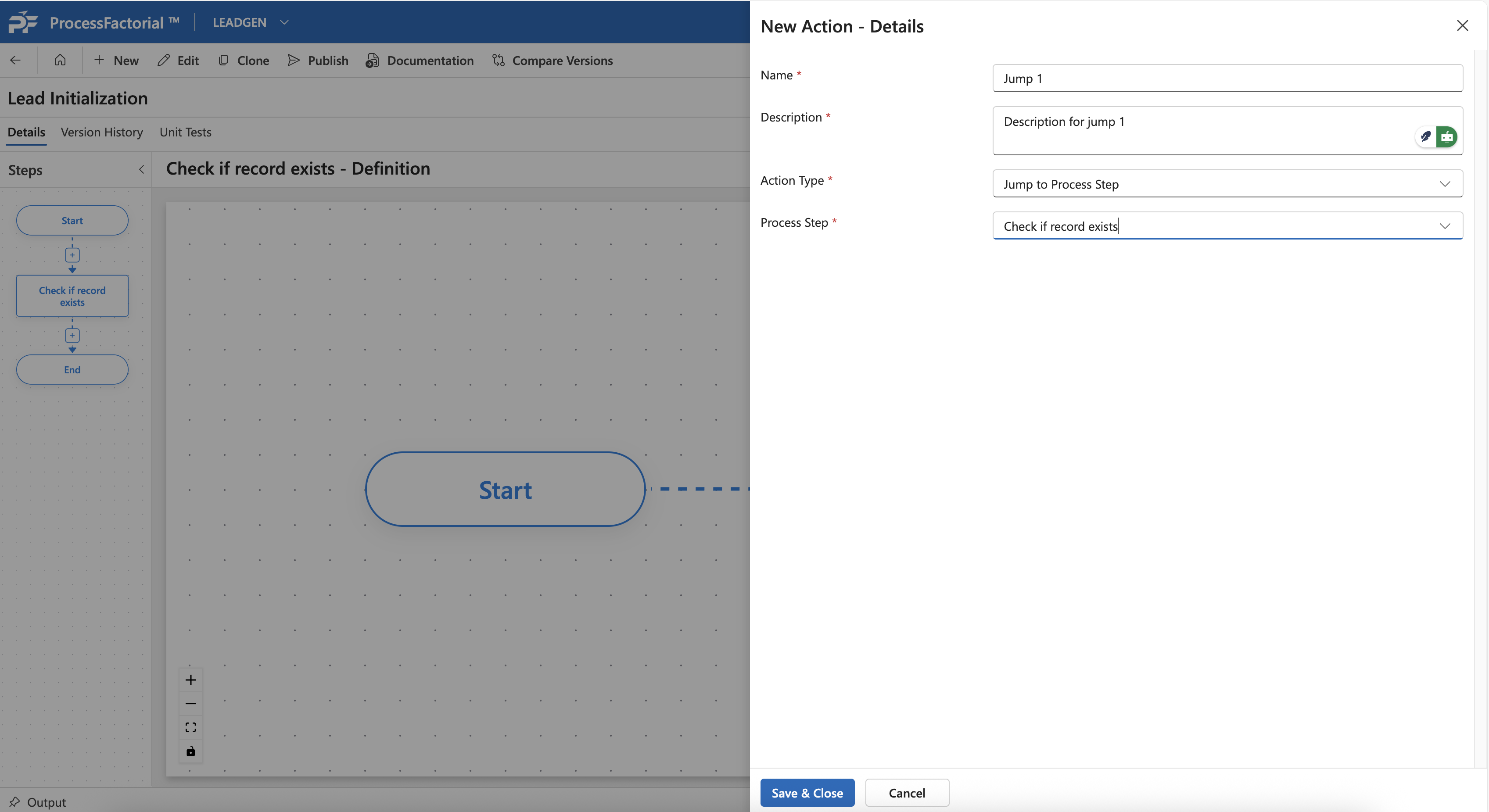
Enter Basic Flow Action Details that is common for all the Flow Action elements
-
Choose the appropriate
Process Stepto which the action branch must skip to. -
Click
Save & Closeto save the action. The action will now be added to the canvas.