Delete Single
This page outlines how to configure an Flow Action on a Factorial Flow to delete a record on the target Data Store
Add a Delete Single Action
Careful
Exercise caution as the delete could be permanent with no option for recovery, based on the capabilities of the underlying data platform.
- Follow the instructions on how to Manage Actions
- Enter Basic Flow Action Details that is common for all the Flow Action elements
-
The Business Object field will be the type of record we want to delete, such as a Contact record
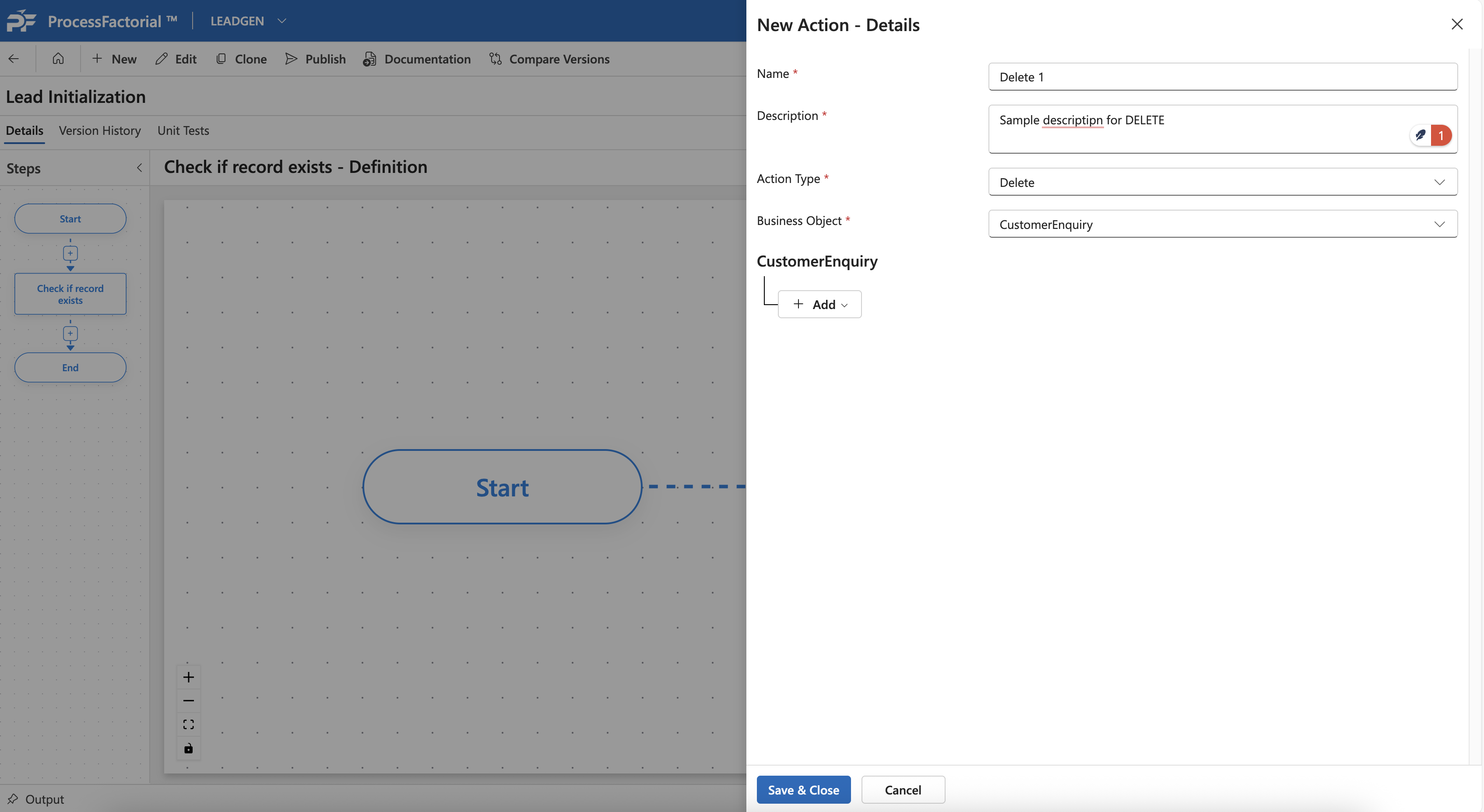
-
After selecting the
Business Object, click on the+ Addbutton underneath to choose attributes to build a selection query, that can filter the record that needs to be deleted. The FIRST record matching the query will be selected for deletion.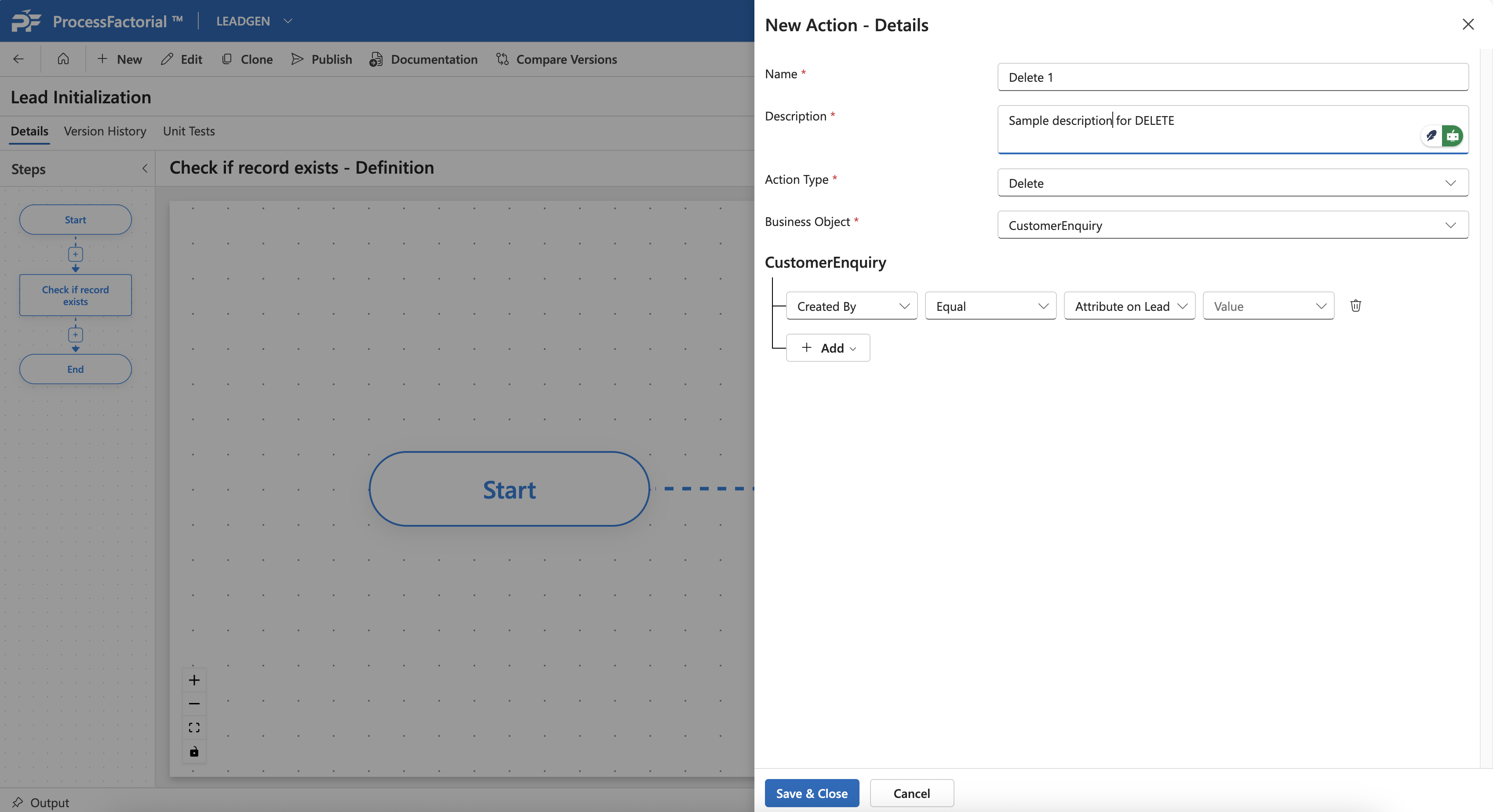
-
Save and close. The action will now be added to the canvas