Log in to the Portal
This page outlines how to log in to the ProcessFactorial Portal
Note
Only Microsoft Entra ID (formerly Azure Active Directory) is currently supported for user authentication.
Log In via Microsoft Entra ID
-
Browse to the ProcessFactorial Portal
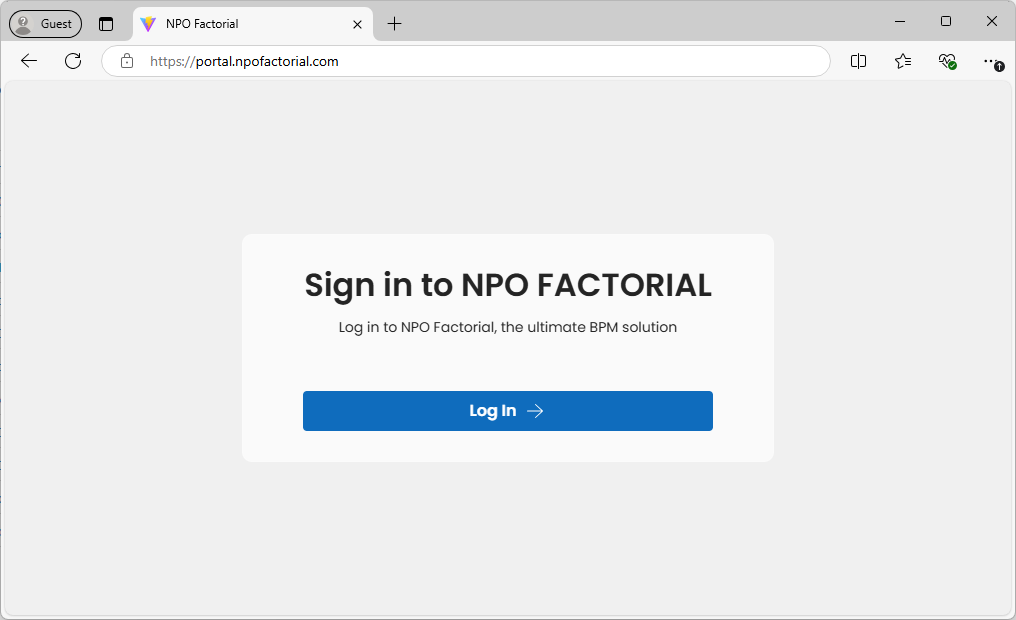
-
Enter your Microsoft Entra ID (Azure Active Directory) and click Next
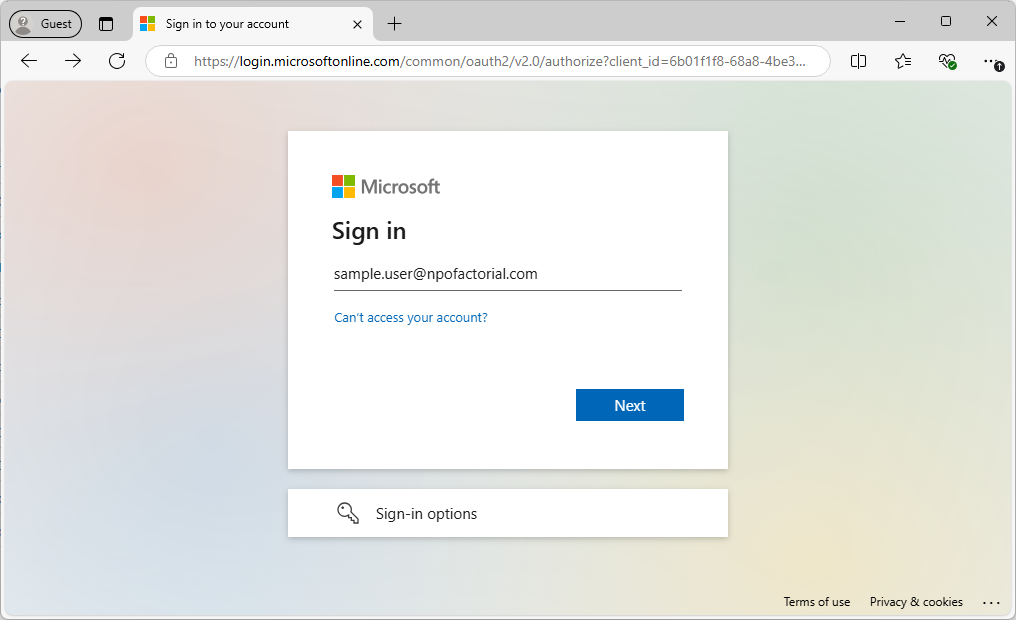
-
Enter your password and click Sign in.
- Some additional steps may be required, such as 2 factor authentication, based on how your company has configured their security.
-
If this is the first time someone from your company has created a user on the NPO Portal, you may be prompted to approve access to the portal on behalf of your company.
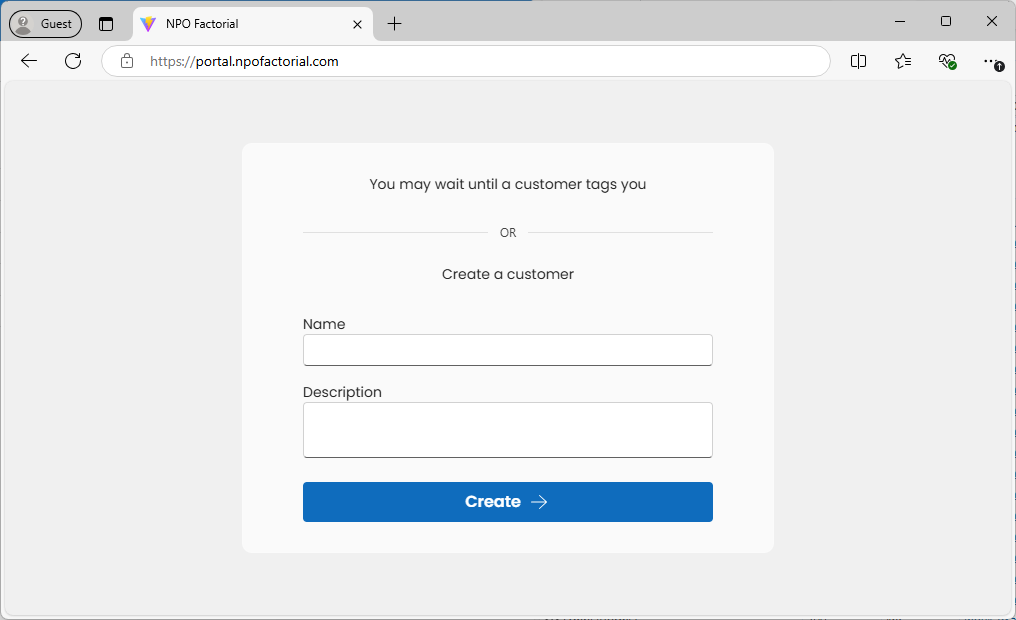
If everything went well, you should see the screen below. This indicates that you do not have access to any NPO Customers yet.
If your goal is to create and configure a new customer, you may click the create button and follow the instructions: Create a Customer If, however, a customer already exists and you're waiting to be given access by an administrator, simply wait until this access has been granted and refresh the form.
Next: Manage Customer