Invalid URI - The format of the URI could not be determined
Description
When the user attempts to interact with the backend Data Store, the user gets presented with an error
Scope
This error will typically only happen on new installs of the Customer Hosted Model or if new translation layers are added to an existing Customer Hosted Model installation
Error Message
This is the error message returned to the portal user
{
    "message": "An error occurred while syncing the business objects: Invalid URI: The format of the URI could not be determined.",
    "errors": [
        "An error occurred while syncing the business objects: Invalid URI: The format of the URI could not be determined."
    ],
    "warnings": []
}
Known Instances
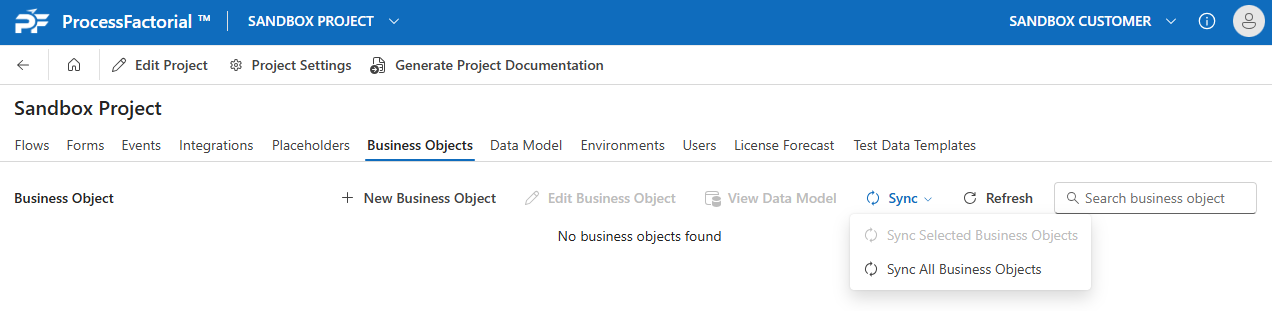
Data Model Sync
When the portal user attempts to do a sync of the data model:
Cause
The issue exists because the URL for the Translation Layer has not been configured
Resolution
Update the URLs on the TechStack table: Hosted Model Deployment Further Instructions#Configure Translation Layer