CRM Connection Details for Dev Environment has not been configured or are invalid
Description
When the user attempts to interact with the backend Data Store, the user gets presented with an error.
This can be from: - NPO Portal (npobp_portal) (via Config Function App (npobp_config)) - Execution Engine (npobp_exec) - Polling Engine (npobp_poll)
Scope
This error can happen on SaaS Model and Customer Hosted Model installations
Error Message
This is the error message returned to the portal user
{
    "message": "An error occurred while syncing the business objects: POST to 'URL/api/metadata/tables?loglevel=Error' failed with Unauthorized :: ",
    "errors": [
        "CRM Connection Details for Dev Environment has not been configured. Please set up the connection details before syncing the data model.",
        "An error occurred while syncing the business objects: POST to 'URL/api/metadata/tables?loglevel=Error' failed with Unauthorized :: "
    ]
{
    "message": "One or more errors occurred. (GET request to 'URI' failed with status code Unauthorized :: )"
    "errors":[]
    "warnings":[]
}
Known Instances
Data Model Sync
When the portal user attempts to do a sync of the data model:
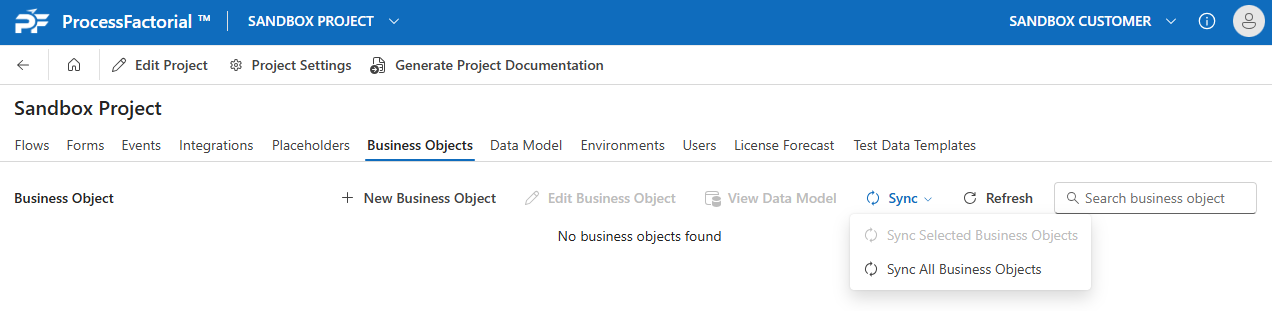
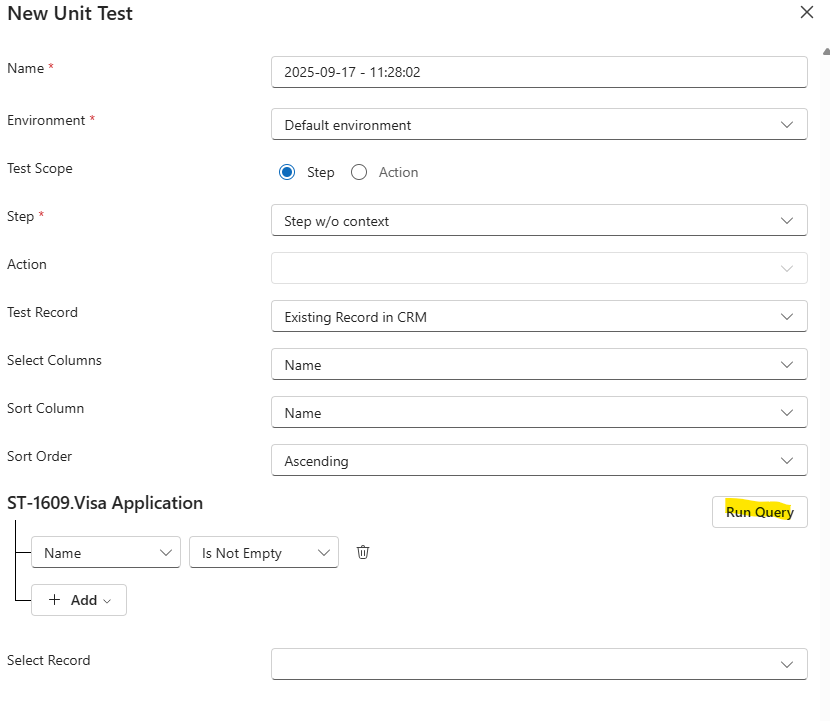
Unit Tests
When the portal user attempts to query for records when doing a unit test
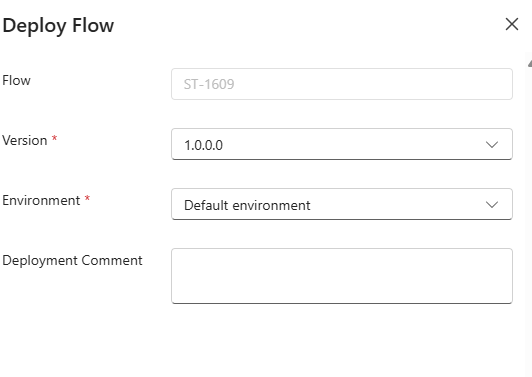
Deployment
When the portal user attempts to deploy a Factorial Flow to an environment:
Cause
The function key for accessing the translation function is not valid or has not been configured
Resolution
Ensure the TechStack record has been configured and the secret in KeyVault is valid: